
06/17: イギリスから帰国。仕事半分プライベート半分。アッと驚く発表は明日以降です。
Category: 友人・知人のご紹介と写真
Posted by: kaoruko
ただいま〜帰国しました!!たくさんのコメントありがとうでした^^ロンドンではパソコンが機能しなく全く本当に残念で悲しい日々でしたが、明日からロンドン便りを掲載しますね。 ト言っても明日から早速いろいろスケジュールが立て込んでいるので日々の出来事と合わせて公開!ブログの日々が始まります。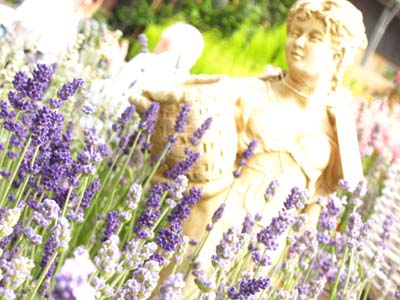
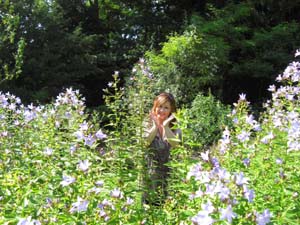
田舎に行き、森の妖精になりました。羽が見えますか?
 本日は全日空にて
田舎に行き、森の妖精になりました。羽が見えますか?
本日は全日空にて| ツイートする |


 KAORUKO Facebook







 TORAY PPO
 TORAY PPO

 コロンビア大使館
 25ansウエディング
 25ansウエディング
 百日草のはなよめ
 フローリスト 2
 25ansウエディング
 フローリスト 1
 25ansウエディング
 フローリスト10
 2010.09
 2010.09
 2010.07.22
 2010.07.02
 2010.05.08
 2010.05
 2010.03


















