02/22: 生き方を学ぶ

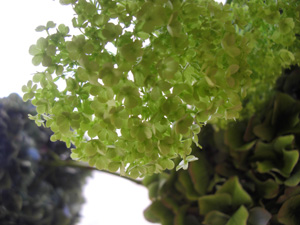
花は人の道を教えてくれます。

光をあびて凛として輝いていられるのか

光の放射がまぶしすぎてはがれてしまうのか
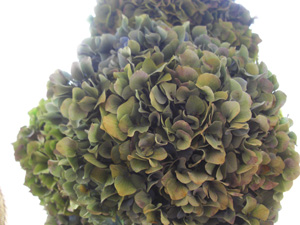
どろどろした心や、やましい心を自覚している人は

その清らかすぎるエナジーに耐えられなくなる
そんな花、そんな人、花も人も同じ

メッキがはがれるように自分を保てなくなる

日々浄化してもらえる人や出来事にどれだけ出会えるかが人生を大きく変える。
そして人生の最後を迎えるとき、生きた証をふりかえり、微笑んで旅たてるのか?それは今の積み重ねなのです。
| ツイートする |
/* About ----- This directory contains extra files to make the 'fancy urls' feature even more fancier, by eliminating the 'index.php'-part of the URL Installation ------------ 1. Copy all files in this directory (except for index.html) to your main nucleus dir (where your index.php and action.php file are) If you have an already existing .htaccess file (most ftp-programs don't show hidden files by default, so don't start uploading it without checking your server). If you do, download that old one first, and copy the contents of the new .htaccess file (from the fancyurls folder) in your old one, and upload that... 2. Edit this file so that $CONF['Self'] points to your main directory. NOTE: this time, and only this time, the URL should NOT end in a slash 3. Also edit the $CONF['Self'] variable in your index.php, if you don't want to end up with index.php/item/1234 urls when people come via that way 4. Enable 'Fancy URLs' in the Nucleus admin area (nucleus management / edit settings) 5. Off you go! If it doesn't work: ------------------- Remove the files again (don't forget the hidden file .htaccess). Voila. */ // remember: this URL should _NOT_ end with a slash. $CONF['Self'] = 'http://blog.kaoruko.co.jp'; ?>


| ツイートする |