
08/14: 暑い熱い中レッスン精進中。!
Category: スクール・レッスン
Posted by: kaoruko
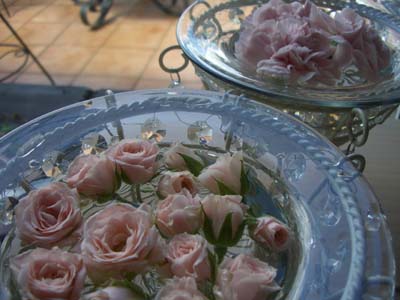
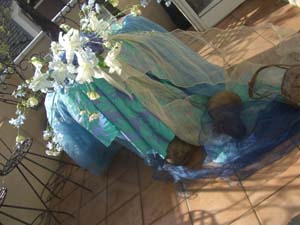
レッスン模様です。田中さんはBFPコースでウエディングのメインテーブルを作りました。バルコニーで熱い中ひまわりの思い出ウエディングやブルーのベラドンナやカサブランカを使った涼しげな透明感触れるレッスンです。コーディネートもクロスや会や麦わらぼうしや等使ってこだわります。この子たち(ミニバラ)は今からブーケになって行きます。水浴び中。


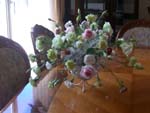
 栃木の大竹さんは天使ライセンスのレッスン。とても可愛くできました。心と連動する天使の揺れるブーケです。
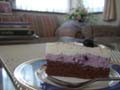 お菓子のプロ級の田中さんがこの日はこんなかわいらしい美味しいチーズケーキを作ってきてくれて「また私をこれ以上太らせようとして^^」なんて言って皆さんで頂きました。
栃木の大竹さんは天使ライセンスのレッスン。とても可愛くできました。心と連動する天使の揺れるブーケです。お菓子のプロ級の田中さんがこの日はこんなかわいらしい美味しいチーズケーキを作ってきてくれて「また私をこれ以上太らせようとして^^」なんて言って皆さんで頂きました。| ツイートする |


 KAORUKO Facebook







 TORAY PPO
 TORAY PPO

 コロンビア大使館
 25ansウエディング
 25ansウエディング
 百日草のはなよめ
 フローリスト 2
 25ansウエディング
 フローリスト 1
 25ansウエディング
 フローリスト10
 2010.09
 2010.09
 2010.07.22
 2010.07.02
 2010.05.08
 2010.05
 2010.03


















