
09/04: KAORUKOフラワーショー報告その2
Category: 花・作品写真(アール・ドゥ・・・カテゴリー以外の物)
Posted by: kaoruko
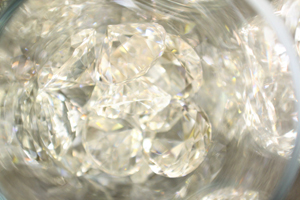
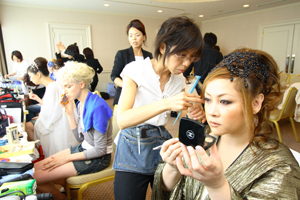
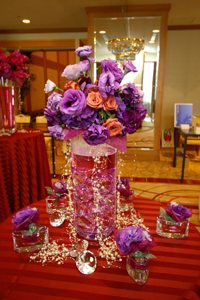
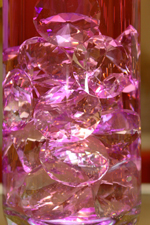
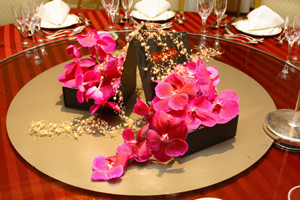
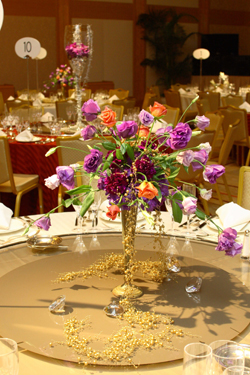
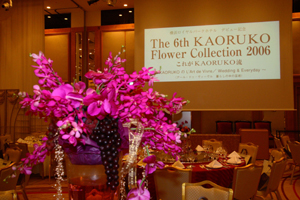
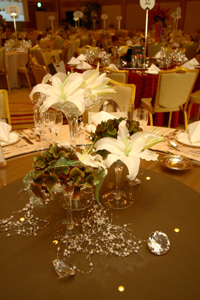
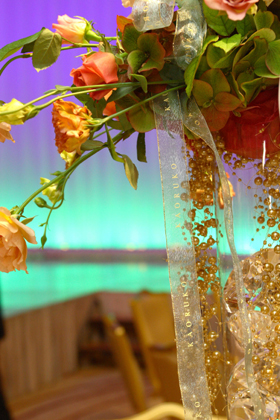
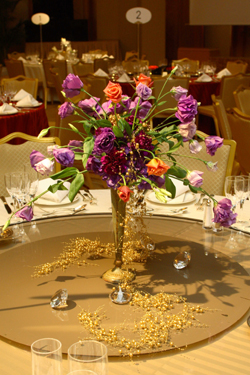
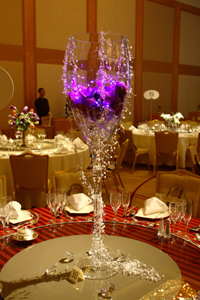
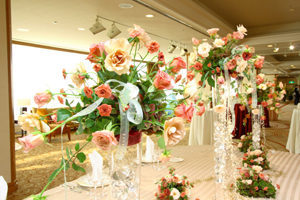
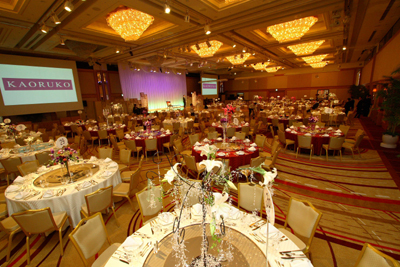
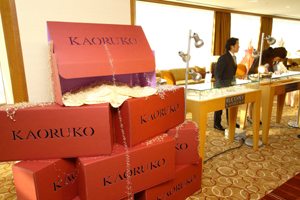
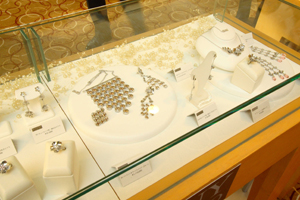
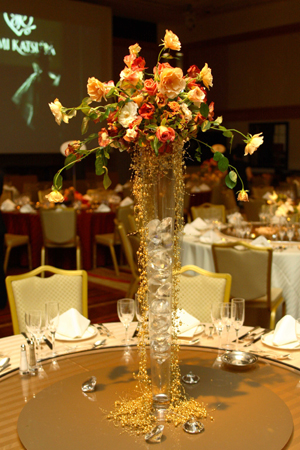
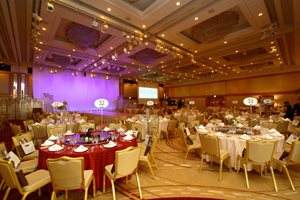
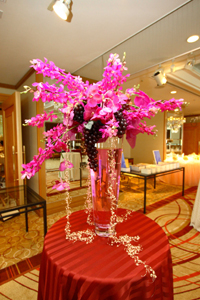
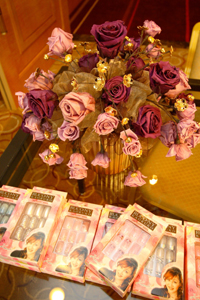
今日の報告はKAORUKOブランドウエディングの新作作品を披露します。『輝きだけが彩り』。。。KAORUKOブランドから登場の輝きグッズを使って。洗練・オシャレに。いかがですか?
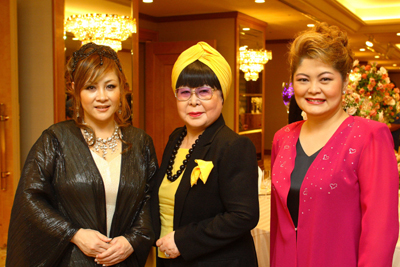
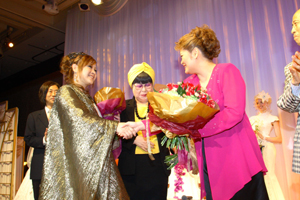
フィナーレにて花束を。左が作曲家の渡辺俊幸先生・右が周富徳さん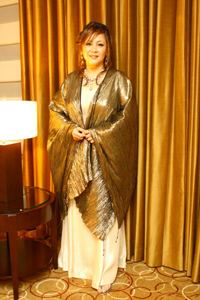
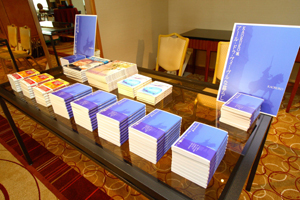
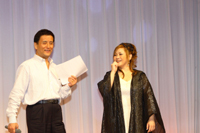 演出家の松川氏とリハにて。次回の素敵なショー報告をお楽しみに!
**********************
次回はショーの模様です。お楽しみに!!
そして、いらしてくださった方たちとのショットも随時掲載いたします。
フィナーレにて花束を。左が作曲家の渡辺俊幸先生・右が周富徳さん
演出家の松川氏とリハにて。次回の素敵なショー報告をお楽しみに!**********************
次回はショーの模様です。お楽しみに!!
そして、いらしてくださった方たちとのショットも随時掲載いたします。
| ツイートする |


 KAORUKO Facebook







 TORAY PPO
 TORAY PPO

 コロンビア大使館
 25ansウエディング
 25ansウエディング
 百日草のはなよめ
 フローリスト 2
 25ansウエディング
 フローリスト 1
 25ansウエディング
 フローリスト10
 2010.09
 2010.09
 2010.07.22
 2010.07.02
 2010.05.08
 2010.05
 2010.03


















