
10/25: 極上セレブウエディングのおうちあわせです
Category: セレブウエディング・KAORUKOプロデュース
Posted by: kaoruko
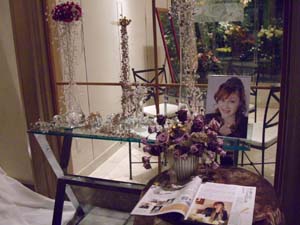
先日のカップルとのお打ち合わせです。いよいよです。先日はブーケのお打ち合わせをしましたが、この日は、会場の装花について、デザインしていきました。

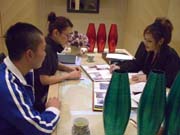
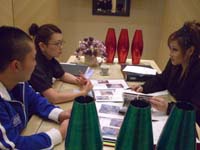
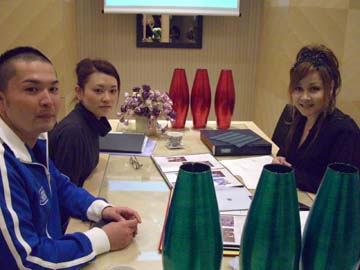 2人のおのろけ話を聞きながら。デートの思い出の湘南海岸線をケツメイシを聴きながらドライブしたときの夕暮れの海や星がときめく思い出ということで、私がそれをKAORUKO流でデザイン表現していきます。。。もうすぐカウントダウン!楽しみです。このブログ密着取材ですね。
2人のおのろけ話を聞きながら。デートの思い出の湘南海岸線をケツメイシを聴きながらドライブしたときの夕暮れの海や星がときめく思い出ということで、私がそれをKAORUKO流でデザイン表現していきます。。。もうすぐカウントダウン!楽しみです。このブログ密着取材ですね。| ツイートする |


 KAORUKO Facebook







 TORAY PPO
 TORAY PPO

 コロンビア大使館
 25ansウエディング
 25ansウエディング
 百日草のはなよめ
 フローリスト 2
 25ansウエディング
 フローリスト 1
 25ansウエディング
 フローリスト10
 2010.09
 2010.09
 2010.07.22
 2010.07.02
 2010.05.08
 2010.05
 2010.03


















