
01/26: 春爛漫・春の花・香りの花・優しい花で
Category: スクール・レッスン
Posted by: kaoruko
シュガー・クリームを溶かしたような花たちです。

こちらは摘みたての春の花たちが勢ぞろい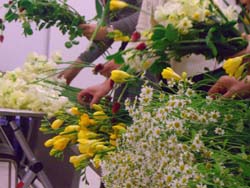 三越本店カルチャースクールのフレッシュフラワーコースです。
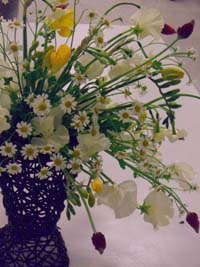
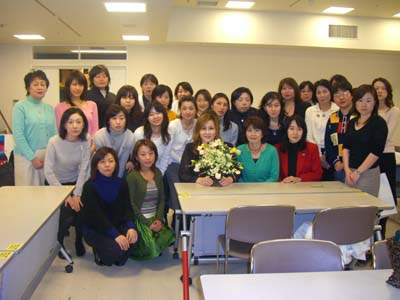 可憐なカモミールやフリージア・水仙・スイートピー・ストロベリーキャンドルで。。
 癒しの香りで心がはずみます。今年も癒しのレッスン頑張りましょうね。先日のテレビでもこの皆さんも映っていました。
こちらは摘みたての春の花たちが勢ぞろい
三越本店カルチャースクールのフレッシュフラワーコースです。可憐なカモミールやフリージア・水仙・スイートピー・ストロベリーキャンドルで。。癒しの香りで心がはずみます。今年も癒しのレッスン頑張りましょうね。先日のテレビでもこの皆さんも映っていました。| ツイートする |


 KAORUKO Facebook







 TORAY PPO
 TORAY PPO

 コロンビア大使館
 25ansウエディング
 25ansウエディング
 百日草のはなよめ
 フローリスト 2
 25ansウエディング
 フローリスト 1
 25ansウエディング
 フローリスト10
 2010.09
 2010.09
 2010.07.22
 2010.07.02
 2010.05.08
 2010.05
 2010.03


















