
03/16: 東京堂さんの担当の方がいらしてくださいました。!
Category: 友人・知人のご紹介と写真
Posted by: kaoruko
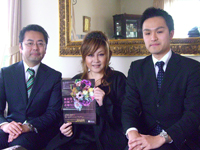
昨日はテレビ収録の前に東京堂の私の担当の方がご挨拶に来てくださいました。いつも私の注文の無理難題に対応してくださっています。ありがたや〜記念にブログ写真。
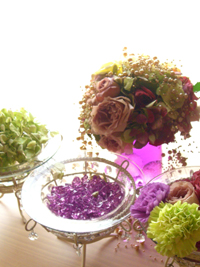
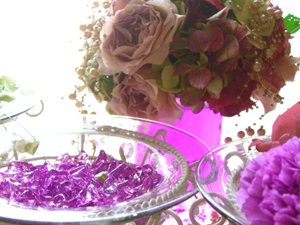

これらは、その後お部屋もカメラで映すので、可愛くKAORUKOブランドウエディング風に飾ってみました。その時の写真です。光が溢れます。
昨日の収録は別段スタイリストさんが付いたわけでもないのに、私はパープルの服を着て、これらの花を飾り、そうしたらキャスターのれいらちゃんも淡いパープルを着てらして「パープルであわせたみたいですね!」ということで盛り上がりました。
これも3月22日のズームインで見れますからね。
これらは、その後お部屋もカメラで映すので、可愛くKAORUKOブランドウエディング風に飾ってみました。その時の写真です。光が溢れます。
昨日の収録は別段スタイリストさんが付いたわけでもないのに、私はパープルの服を着て、これらの花を飾り、そうしたらキャスターのれいらちゃんも淡いパープルを着てらして「パープルであわせたみたいですね!」ということで盛り上がりました。
これも3月22日のズームインで見れますからね。
| ツイートする |


 KAORUKO Facebook







 TORAY PPO
 TORAY PPO

 コロンビア大使館
 25ansウエディング
 25ansウエディング
 百日草のはなよめ
 フローリスト 2
 25ansウエディング
 フローリスト 1
 25ansウエディング
 フローリスト10
 2010.09
 2010.09
 2010.07.22
 2010.07.02
 2010.05.08
 2010.05
 2010.03


















